
Get in Touch
Your Trusted Manufacturer of Laptops & Tablets

WhatsApp Us Directly
+86 13923410269
Email Us
Get in Touch
Your Trusted Manufacturer of Laptops & Tablets

E-mail:elanchen@adreamertech.com
WhatsApp: +86 13528845539
Case Study
.
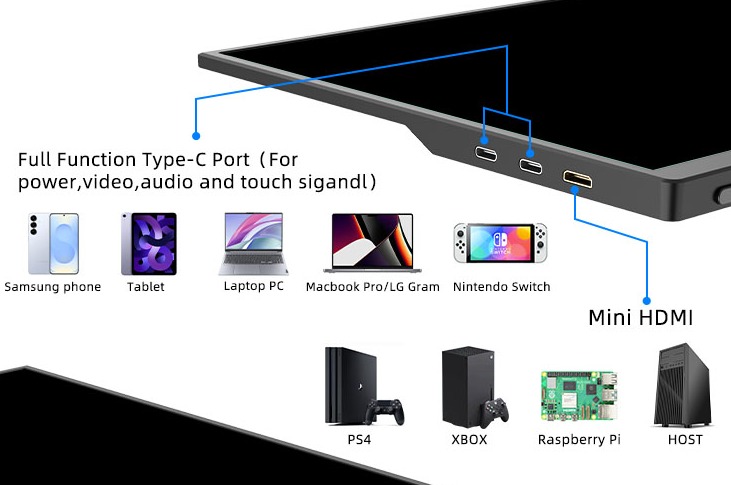
What is Type-C One Cable for Portable Monitor, How Does It Work
Learn about the Type-C one-cable solution for portable monitors powered by DP Alt Mode and USB PD protocol. It transmits video, power and data through a single cable. Find out its usage scenarios, cable requirements and common connection issues.
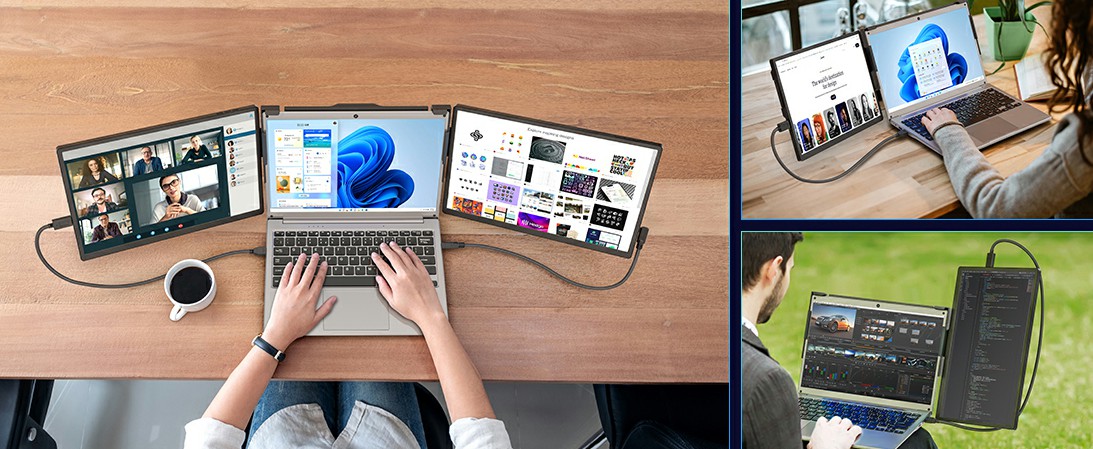
What Is a Portable Monitor Used For? 10 Practical Uses in 2026
Discover 10 real‑world uses for a portable monitor, including dual‑screen mobile office, gaming with Switch/Steam Deck, on‑site photo editing, vertical coding, in‑car entertainment, presentations, and more – helping you decide if a portable display is right for you.
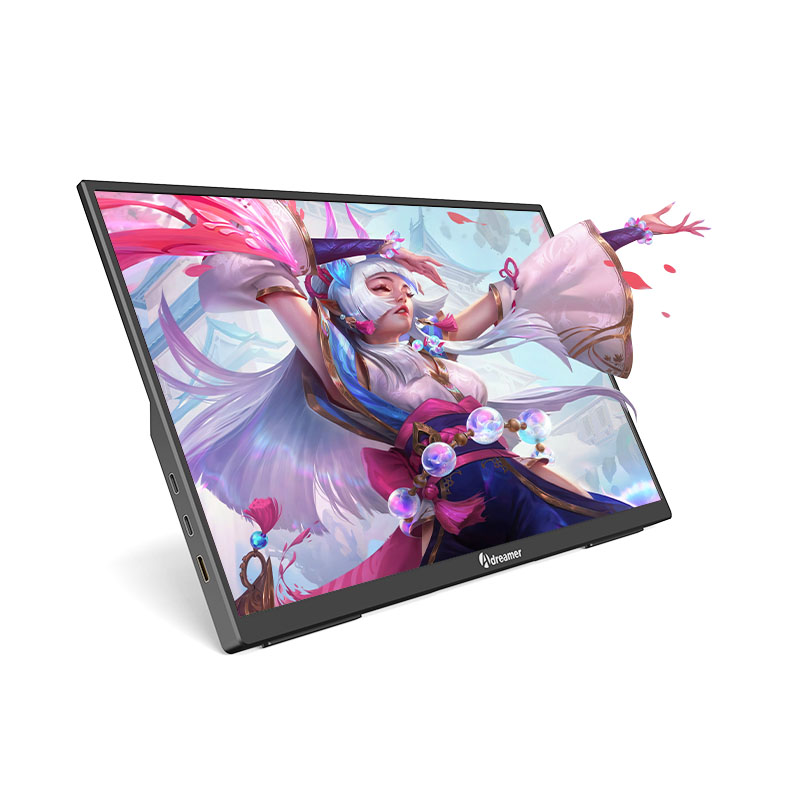
2026 Portable Monitor Trends:Mini-LED, HDR10 & 144Hz
Discover the latest in portable display tech for 2026. We break down real-world performance gains from Mini-LED backlighting, local dimming, DCI-P3 color coverage, hardware HDR10, and 120Hz+ refresh rates, plus a quick look at top manufacturers' roadmaps.
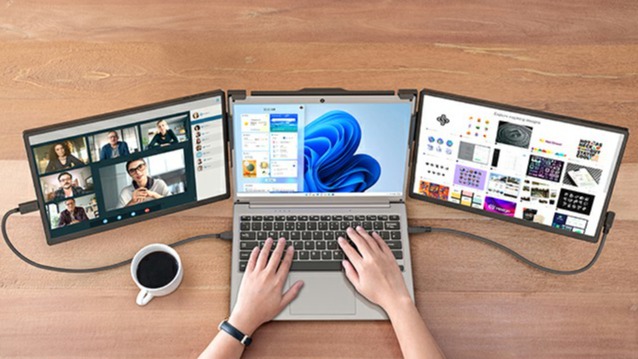
How to Use a Portable Monitor: From Setup to Color Calibration
A step-by-step guide to connecting your portable monitor to a laptop, phone, Switch, and more. Covers full platform support including Windows, macOS, iPadOS, and Android, along with resolution settings, color management, and troubleshooting for common issues like black screen, no signal, and charging failures.
Portable Monitor Not Working? Fix Black Screen, No Signal & Power Issues
Your portable monitor stays black or has flickering issues? Our complete troubleshooting guide fixes connection problems with laptops, phones, and the Nintendo Switch. Learn how to check cables, settings, and power to get your screen working.
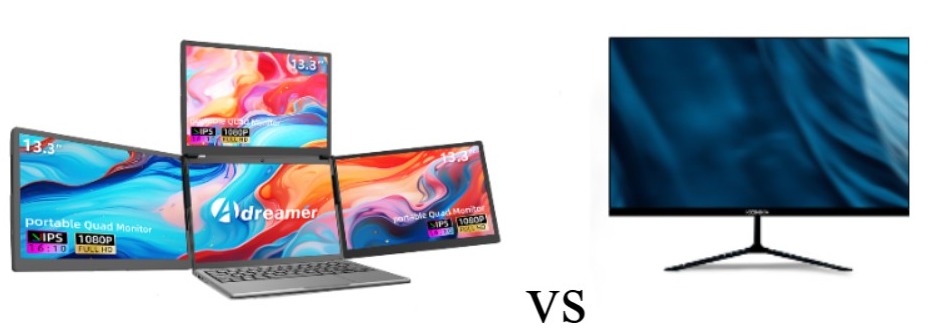
What is the difference between a portable monitor and a normal monitor?
Confused between a portable monitor and a regular desktop monitor? This detailed comparison covers design, performance, ports, and use cases to help you choose the perfect screen for your lifestyle.
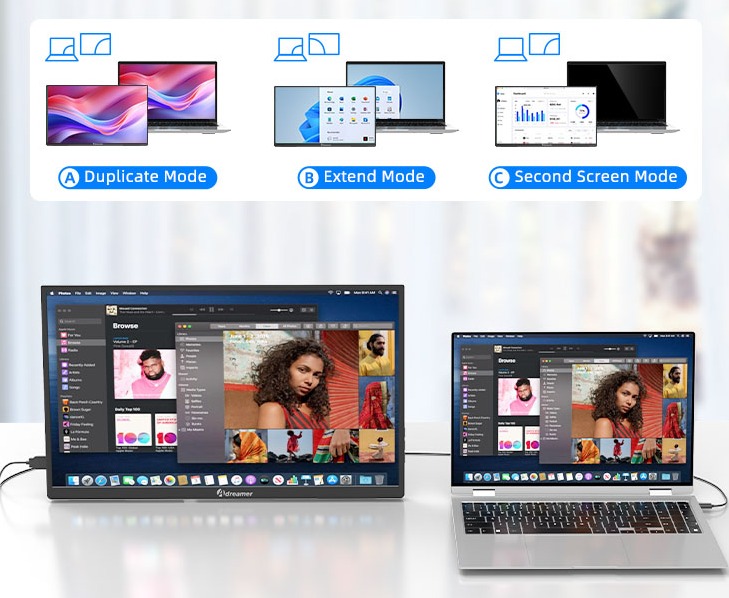
How to Connect a Portable Monitor: Laptop, Phone & Switch Setup Guide
Learn how to connect a portable monitor to your devices. This step-by-step guide covers Windows/Mac laptops, iPhone/Android phones, Nintendo Switch, and Steam Deck using USB-C or HDMI cables. Understand "one-cable" setups, power requirements, and how to switch to extended display mode. Plus, get simple fixes for black screens, no signal issues, and more—unlock plug-and-play productivity in minutes.
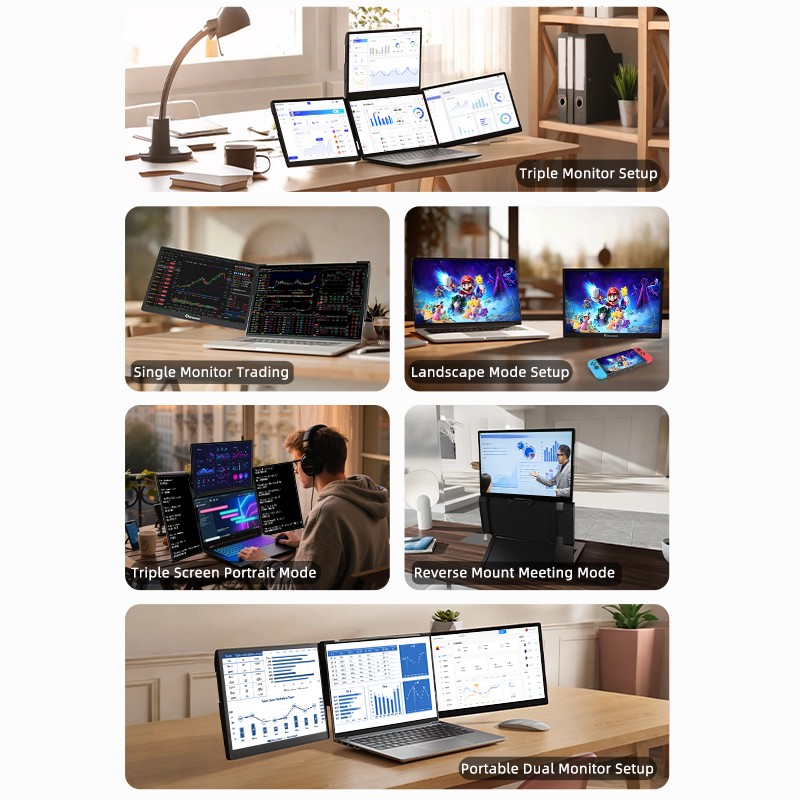
What is the point of a portable monitor?Top 10 Use Cases in 2025
Meta Description: Discover how a portable monitor can expand your screen, boost multitasking, and enhance productivity on the go. Lightweight, plug-and-play, and compatible with laptops, phones, and gaming consoles.
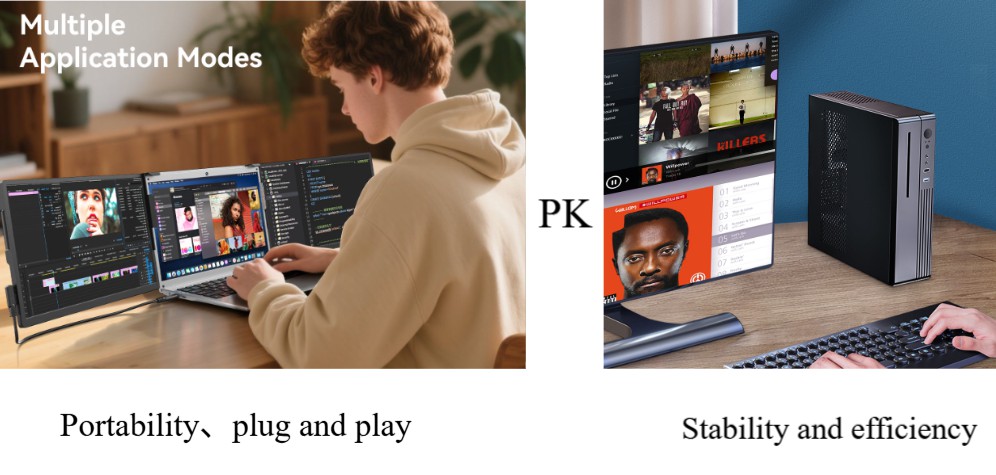
Portable vs Traditional Monitors: Differences and Advantages (2025 Comparison)
Portable monitors: Lightweight, single USB-C cable solution, ideal for mobile work and multi-device setups. Traditional monitors: Larger screens, superior image quality, comprehensive ports, perfect for stationary professional work. How to choose in 2025? Usage scenario is the key deciding factor.
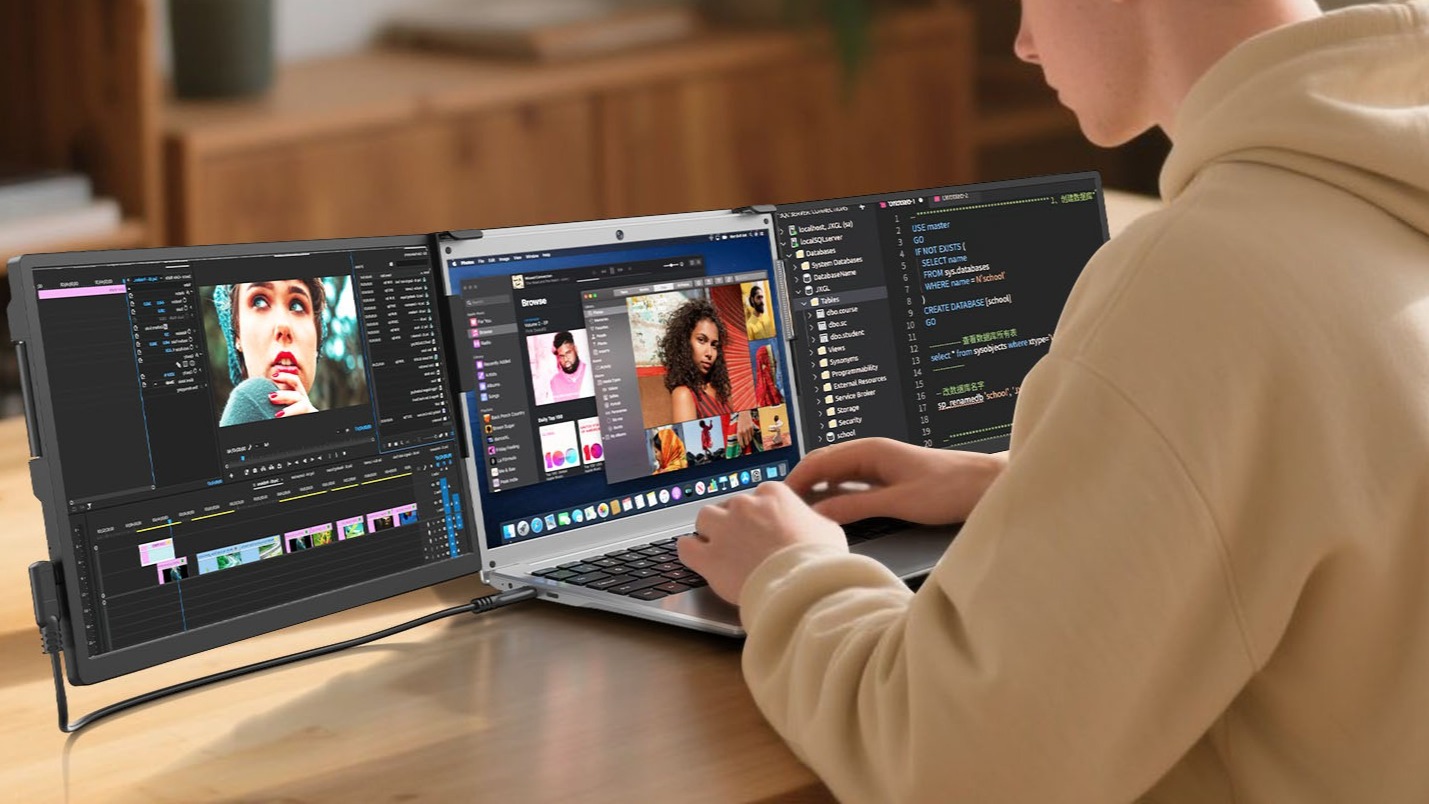
What is a Portable Monitor? 2025 Ultimate Connection & Buying Guide
Learn what a portable monitor is and get 2025's latest connectivity solutions (single-cable Win/Mac setup, direct Switch HDMI connection, phone DeX mode). Discover a tailored buying guide for work, gaming, and creative needs, helping you avoid common pitfalls like TN panels and inflated brightness claims to easily choose the perfect high-value model.
Adreamer

© 2012-2025 Copyright Shenzhen Adreamer Technology Co., Ltd.粤ICP备18115621号-2
Contact Adreamer Today for Your Custom Solution & Quote!
© 2012-2025 Copyright Shenzhen Adreamer Technology Co., Ltd.粤ICP备18115621号-2


